Weekly AI Briefing Agent: What My Filter Really Needs
A weekly briefing saves me from daily scrolling. It became useful only when empty sections, sources and a 30-minute test became part of the system.
My AI briefing agent has been running for months. Four hours to set up. Every Sunday evening it lands on my phone: four questions, clean formatting, filtered through the work I actually do.
The first version was technically finished after one afternoon. It was nowhere near useful.

In the live workflow, a cron trigger kicks off a serverless function. It calls a model with web and X search, then pushes the result to my phone. That's the easy part. The real work is in the filter, and that cost four prompt rewrites.
Why n8n didn't make the cut
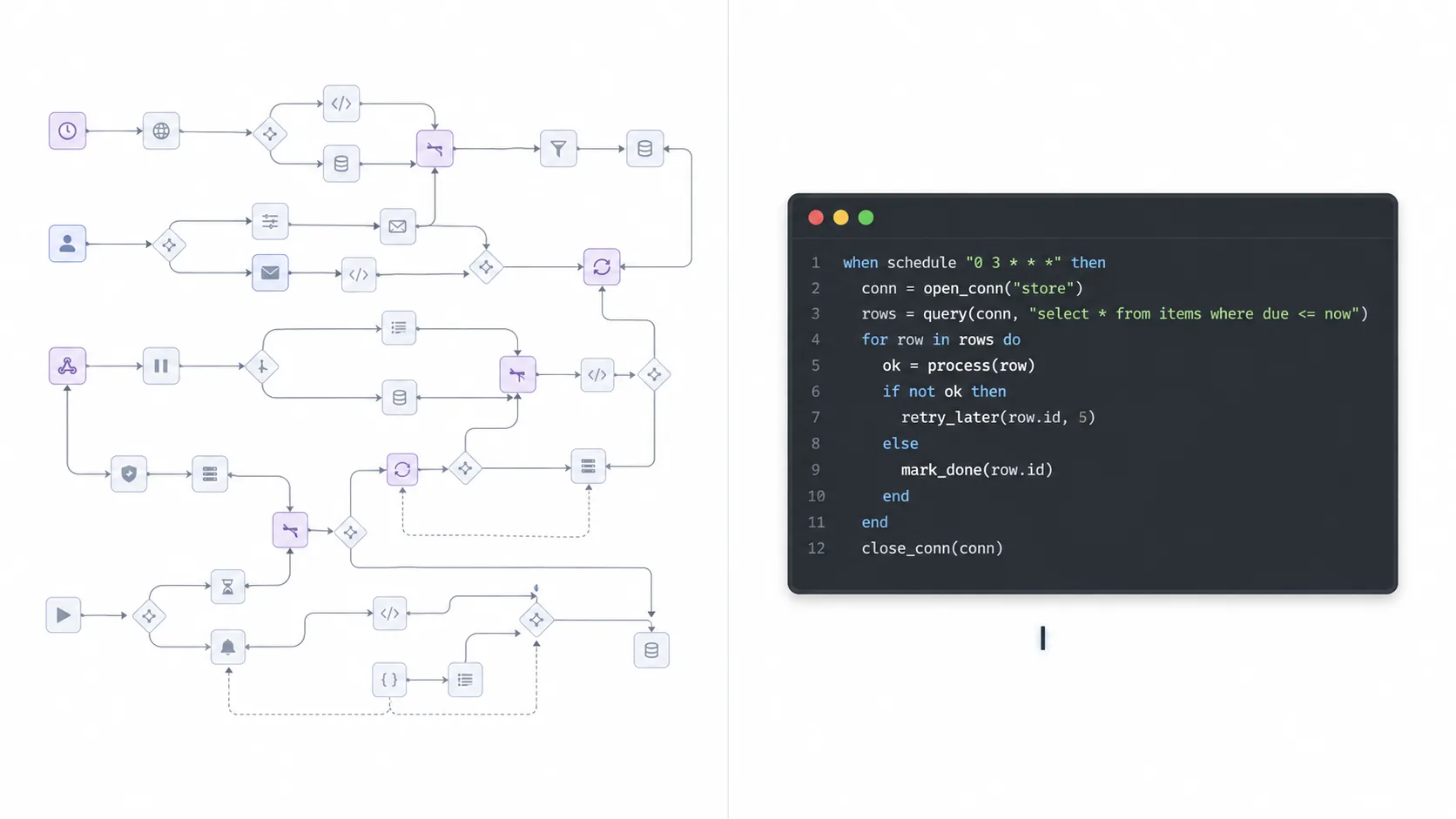
My first draft used n8n. Good tool, visual workflows, free to start. I tried it. It works. But for this case, what was actually needed turned out to be a lot less:
- Search sources.
- Filter results against my working context.
- Send the result with sources.
A dashboard, a database and a branching rule set would all be overkill. One serverless function, one API call, one push channel. On one observed run, the whole thing took about 90 seconds. That's my measurement, not a platform limit. Change the prompt, redeploy, three seconds — no click-throughs, no subscription.
The lesson: pick the tool that matches the shape of the problem. At its core, the briefing agent is just a script on a timer. Treat it like one.
The hardest part isn't the tech
That surprised me. I expected the integration to be the tricky part: wiring up the API, push delivery, deployment. All of that was done in one afternoon.
The hard part was the prompt. And it stayed hard for four iterations.
Every message sounded important
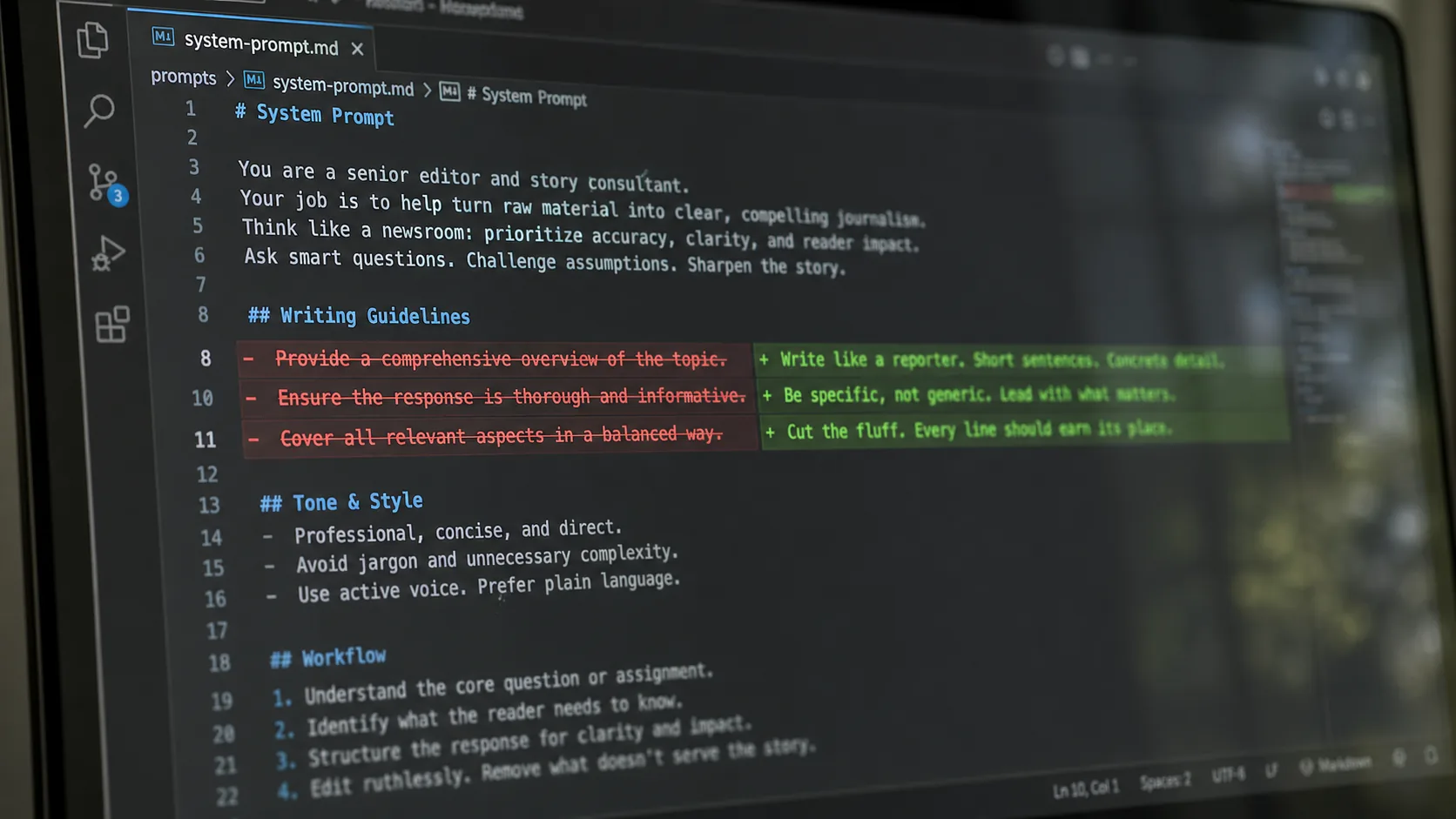
The model wanted to impress me. In the first runs, it explained in polished paragraphs how revolutionary every release was. I had to spell it out: write like a reporter on deadline. Short sentences. No marketing-speak. You're allowed to be critical. The tone flipped from hype to signal the moment that instruction went in.
The altitude was wrong
The first working version fed me product updates. “Cloudflare launched AI Search with storage.” Technically correct, completely useless. What I cared about was the bigger shift: “Cloudflare is moving from stateless compute to agent-native infrastructure.” Same news, different altitude. It took three prompt rewrites before the model got the difference.
Empty sections got padded
When a section had nothing real to say, the model inflated some minor footnote to fill the slot. I had to explicitly permit empty sections. “Nothing relevant this week” is a valid result. Most weeks, at least one section stays empty — that's exactly how I know the filter is working.
Sources got invented
Twice. False URLs, fake paper IDs. Both times because I'd wound the filter too tight: when the criteria were too sharp and almost nothing real survived them, the model fabricated rather than come back empty-handed. The fix wasn't “don't hallucinate” — models ignore that instruction. What helped was looser criteria and a clear preference: two verifiable findings beat three complete sections.
Plus a format rule. Every output has to carry a source URL, retrieval date and model ID. The push is only the delivery; the stored output stays the audit trail.
The real work on systems like this is almost never the technology. It's the prompt. And the prompt only gets good through iteration against real output.
The four questions in the briefing
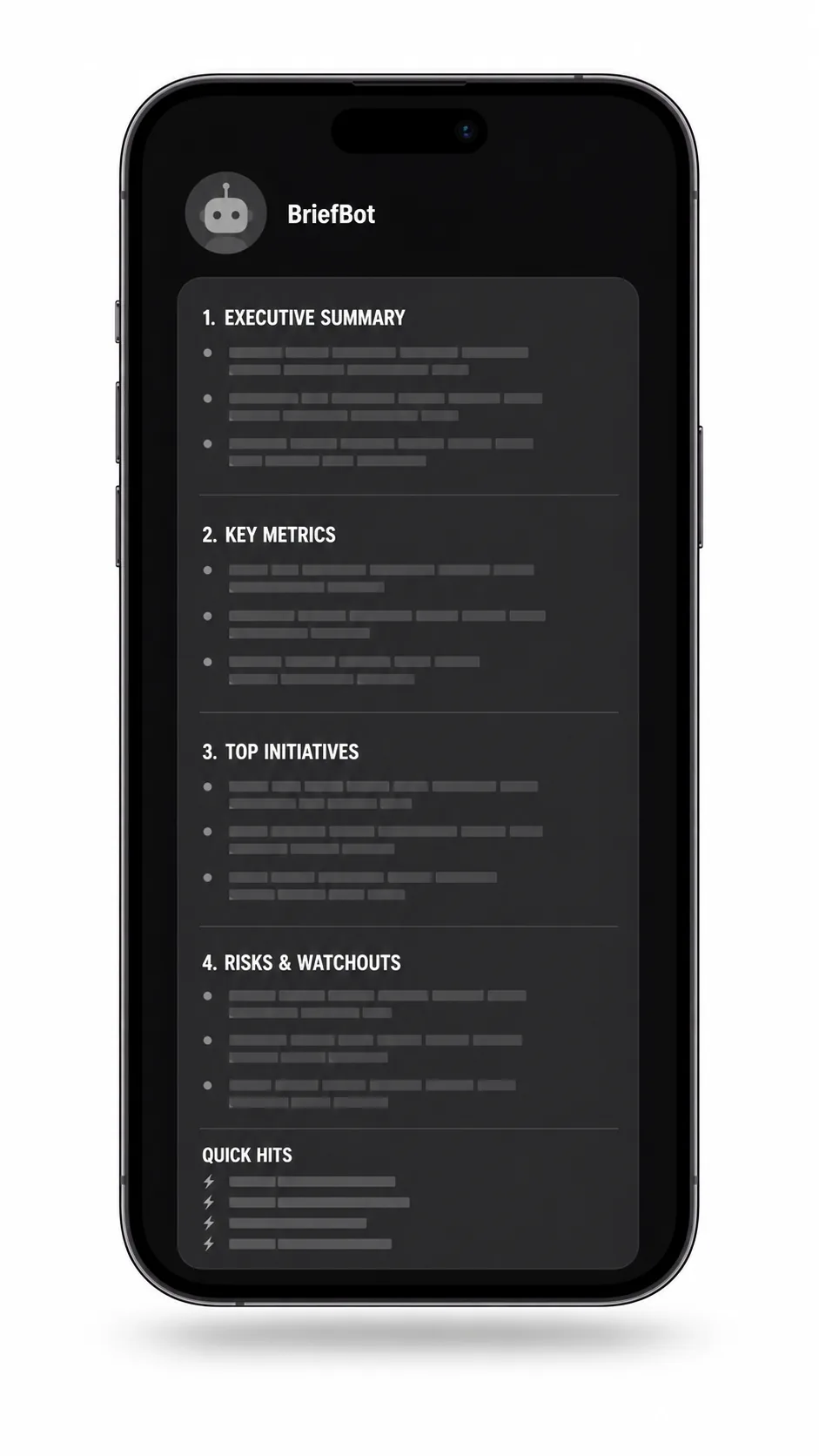
Every output now follows the same structure:
- What specifically improved my current work? Things that fit into my existing stack today.
- What makes something new possible? New capabilities, not product launches.
- What's hype this week? Named explicitly, so I don't read the same tweets five times.
- What will I test for 30 minutes? One concrete action, with a link.
Plus a few one-liners under “Quick Hits,” and a single footnote for anything outside the time window that's still leading in its field.
The briefing should not become another reading list. The candidate in the fourth slot therefore has to prove itself on real tasks, not in the vendor's demo.
And the channel matters. Use whichever one you open on reflex. Not Twitter, not a newsletter. Ten minutes of reading, maybe one link opened, then back to work.
Three filters that work without this agent
1. Relevance before novelty
The filter needs only abstracted information about my role, tools and recurring tasks. A release is interesting if it measurably improves something there or enables an action that was previously impossible. Everything else can wait until next week.
2. The 30-minute reality check
For one candidate, I use real prompts from my work and compare the results directly with my current setup. Three questions are enough:
- Is the output better for my task?
- Is the difference worth the switching cost?
- Does the tool solve a problem I actually have now?
A benchmark may justify the test, but it cannot replace it.
3. Benchmark score or real-world progress?
A better score on a test is initially just that: a better test score. It becomes progress at work only when a new capability or a meaningful quality improvement reaches the actual workflow. That distinction removes the manufactured urgency from many announcements.
What it costs, and where I got the math wrong
Next to nothing. But not as little as I originally wrote here.
First, the state of the art, since that ages fast: the grok-4-1-fast-reasoning model I used was retired on May 15, 2026; xAI redirects old requests to grok-4.3 at a low reasoning level.1 As of August 15, 2026, xAI runs grok-4.20-0309-reasoning, or the alias grok-4.20-reasoning, at $1.25 per million input tokens and $2.50 per million output tokens for short contexts. Web Search and X Search cost an extra $5 per 1,000 tool calls.23
Those tool calls were exactly where I went wrong. I had “under two cents a month” written here, counting only tokens. The searches the model fires off just to scan the web in the first place weren't in the math.
Run my measured order of magnitude — about 12,000 input and 4,000 output tokens across eight searches — against today's prices:
- Input: about 1.5 cents
- Output: about 1 cent
- eight tool calls: 4 cents
That's roughly 6.5 cents per run, so weekly comes to just under 30 cents a month. Reasoning tokens aren't in there, so the real figure sits above this. This is a worked example with the assumptions shown, not a bill.
The number itself is unremarkable. What's interesting is how it breaks down: search costs more than thinking. About 60 percent of the cost happens before the model writes its first sentence. If you want to cut costs on an agent like this, turn the dial on the number of searches, not on the model.
That's why I log, for every run: model ID and date, input, output, reasoning and cache tokens, the number of web and X tool calls, plus runtime, error status and push status. “Tokens in, tokens out” isn't enough for a cost figure.
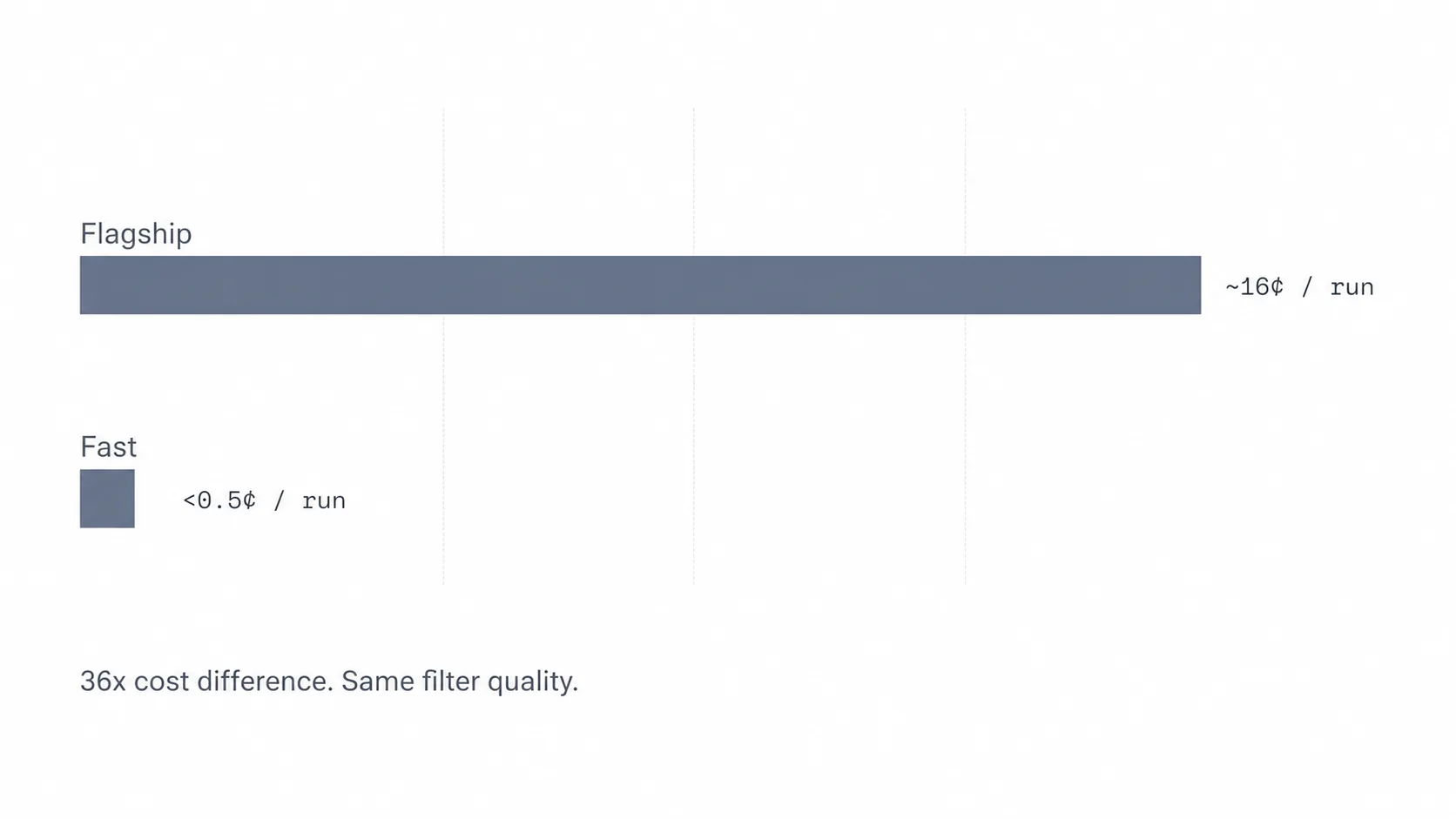
One note on the model itself, and this is explicitly my impression from running it, not a measurement: the smaller reasoning model has always been enough for this job. Part of the reason is probably the source material. Grok searches X through its built-in tools, and posts there are short, pointed and already compressed by their own authors. The model doesn't have to dig through long articles. For a weekly briefing, the extra depth of a flagship model doesn't justify the markup.
What could go wrong
Working context can reveal too much very quickly. My prompt therefore needs no names, client data or internal documents. Roles, tools and task types are enough. API keys are stored as serverless secrets and belong neither in the client nor in the prompt.
xAI documents encrypted storage of API requests and responses for up to 30 days by default, and no training without explicit permission. Zero Data Retention changes that storage but limits certain stateful features.4 Anyone using another provider needs to check its rules separately.
Delivery is not guaranteed either. The workflow needs a visible error status for API outages, quota limits, missing results and failed push delivery. If a run fails, the last output remains in place; the system neither invents a replacement nor hides the missed run.
What changed for me
Two things.
I don't deliberately open X anymore. That wasn't a matter of discipline. The urge is gone, because there's now a fixed time and a traceable selection process. Not because the agent is guaranteed to find everything, but because I know when I'll look next.
And I test more. The fourth question already hands me a candidate. I don't have to go hunting for something to try. Friction drops to almost zero, and that's exactly when a habit sticks. That's where scanning the news turns into a decision about my work.
If you want to build your own
- Keep the pipeline simple: timer, search, filter, push. No dashboard, no database.
- Iterate the prompt against real output. Save every run as a file and compare the diffs. The first three attempts look miserable. By iteration five, you have something you trust.
- Leave sections empty. That's the strongest quality signal. If your system never reports “nothing this week,” the filter is broken — it's padding instead of filtering.
- Start daily, then switch to weekly. Daily gives you seven data points in seven days instead of one.
- Abstract the working context. No names, no client data, no secrets.
- Store sources, model, timestamp and cost for every run. And keep failed runs visible.

That's the whole thing. A small piece of software and a carefully honed prompt. One message a week. The value comes from deciding what never makes it into the message in the first place.
The news doesn't slow down. I just look less often.